Independent overview by Netops24 — not the official Paessler website.
Network Monitoring for Small Business
PRTG Network Monitor review — sensor-based subscriptions, sized for real budgets
How PRTG's sensor-based subscription and PRTG Hosted Monitor are priced, how the bill grows from 50 to 1,000 devices, and what to prove during the 30-day trial.
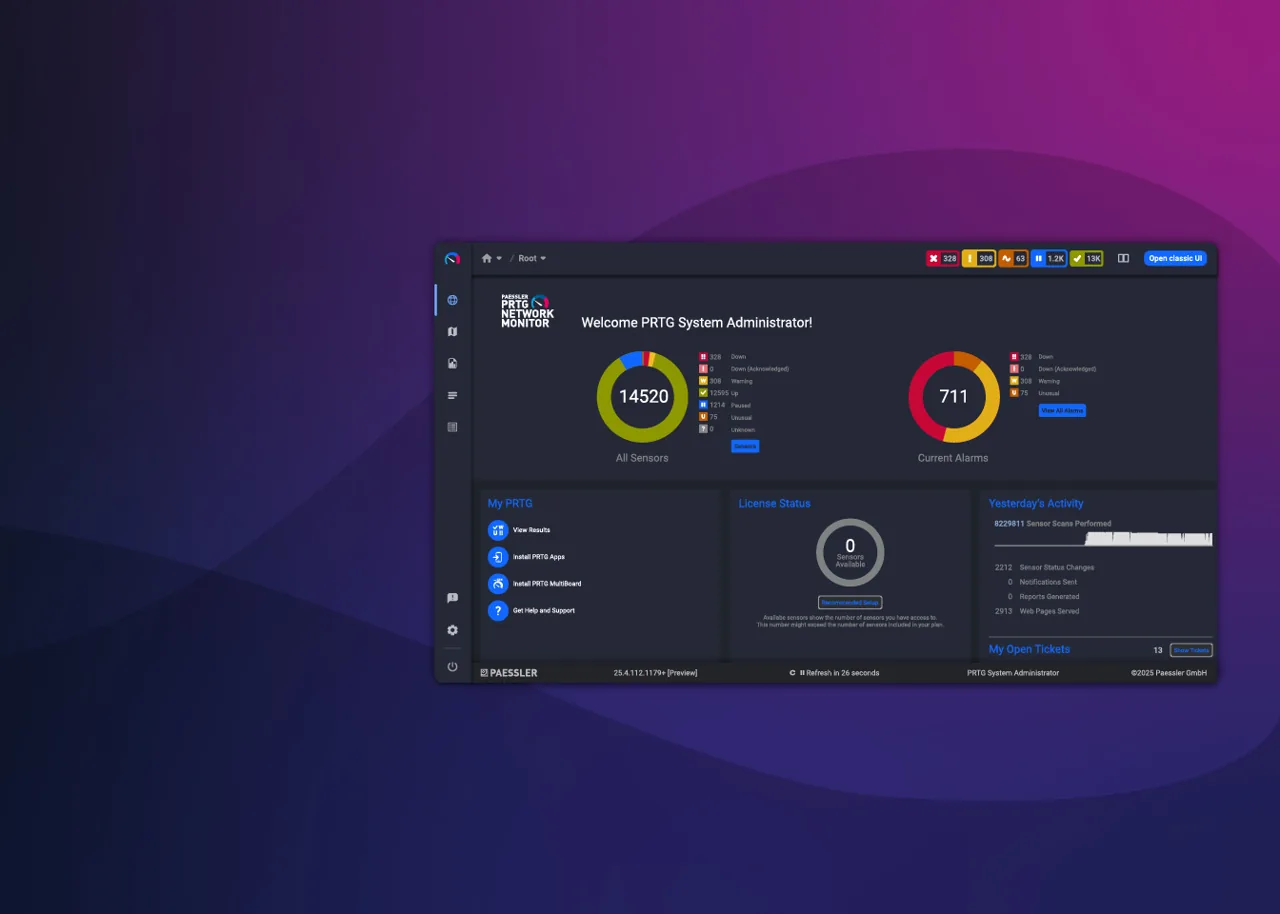
The first question a finance manager asks about PRTG is “how many sensors do we need?”, and nobody in the room ever knows the answer. That single unknown decides which subscription tier you land in, so this review starts where the purchase order starts: with the counting. On a typical 60-device office network, or a 300-device multi-site estate, most of what follows is about turning a device list into a number you can defend.
What PRTG actually does
PRTG Network Monitor watches infrastructure through “sensors”. A sensor is one measured thing: the ping to a switch, the traffic on one of its ports, CPU on a hypervisor, remaining space on a volume, the response time of an HTTP endpoint. It polls via SNMP (v1, v2c and v3), WMI, SSH, flow protocols (NetFlow, sFlow, IPFIX, jFlow), REST APIs and a long list of vendor-specific templates. Results land in maps, dashboards and threshold-based alerts delivered by email, SMS, push notification or webhook.
You can run it two ways. With the classic subscription, the PRTG core server runs on a Windows Server host your team maintains, and remote probes sit at branch sites. With PRTG Hosted Monitor, Paessler operates the core in its cloud and you only place remote probes inside networks that need internal polling. The sensor logic, web interface and alerting are the same in both.
Where it earns its money
- Time to first useful dashboard. Auto-discovery with device templates typically produces a usable view of a 60-device LAN within an afternoon.
- Breadth in one licence. Network, server, virtualization, storage and basic application checks share one sensor pool. There are no separate modules to buy for flow analysis or VMware monitoring.
- Predictable unit of cost. Because everything is a sensor, you can model spend line by line. That makes PRTG easy to justify in a budget spreadsheet once the counting is done.
- Probes for distributed sites. Remote probes handle branch offices over a single outbound connection, which keeps firewall change requests short.
Where it falls short, and who should skip it
- Sensor counts creep. Auto-discovery is generous. On a typical 300-device estate, the first discovery pass commonly creates far more sensors than teams actually want, mostly interface sensors on access switches nobody watches. Without pruning you will hit your tier ceiling early.
- Tier jumps are steep. Subscriptions come in fixed sensor bands. Going one sensor past a band means buying the next band, not paying per extra sensor.
- The self-managed core is Windows-only. Linux-first shops will need a Windows Server licence and someone to patch it, unless they choose PRTG Hosted Monitor.
- Very large estates get awkward. Past several thousand sensors on one core, the web interface slows and teams start splitting into multiple cores. Organisations with 5,000+ devices and a dedicated NOC often prefer tools built for that scale.
- Skip it if you need deep configuration management, change tracking or topology-driven troubleshooting as a primary feature. PRTG can alert on config changes but it is not a configuration management system.
Who it suits
Internal IT teams of one to ten people running 30 to roughly 800 devices, mixed Windows and network gear, who want one console for “is it up and is it slow” and prefer a known annual number over open-ended per-device quotes.
Licensing and what it costs at 50, 250 and 1,000 devices
Paessler sells PRTG as an annual subscription priced by sensor tier; at the time of writing the published bands include PRTG 500, 1000, 2500, 5000 and 10000, plus an Enterprise offering for larger estates — check the vendor’s pricing page for current bands and prices, which change. The subscription bundles maintenance and support.
The sizing mechanics below (typical averages, not Paessler’s):
| Estate | Typical sensors per device | Rough sensor total | Band you will likely need |
|---|---|---|---|
| ~50 devices | 8–10 | 400–500 | the 500 band, tight; the 1000 band if you plan growth |
| ~250 devices | 7–9 | 1,750–2,250 | the 2500 band |
| ~1,000 devices | 6–8 after pruning | 6,000–8,000 | the 10000 band or an Enterprise quote |
Hidden costs to budget: the Windows Server licence and VM for a self-managed core, storage for historic data, staff time pruning sensors (a rough estimate is one to two days for a 300-device estate), and remote probe hosts at each site. PRTG Hosted Monitor removes the core server cost but you still need probe hosts on-site. Our guide on estimating PRTG sensor counts walks through the spreadsheet.
Lock-in: moderate. Historic data and sensor configurations do not move cleanly to another product, so switching later means rebuilding thresholds and losing trend history.
Using the 30-day trial well
The trial runs 30 days with a generous sensor allowance. Use it to answer three things: how many sensors your real network produces after pruning, whether your odd devices (UPS units, printers, a legacy PBX) have working templates, and whether alert routing fits your on-call process. Our 14-day trial plan adapts cleanly to PRTG’s longer window.
How it compares
Against SolarWinds, PRTG is quicker to stand up and cheaper at small scale; see PRTG vs SolarWinds. Against ManageEngine, the difference is sensor versus device pricing — compared in PRTG vs OpManager. If you want everything cloud-managed with topology maps first, read Auvik vs PRTG. The full field sits in our small-business monitoring shortlist, and the cost mechanics across vendors are in network monitoring pricing models.
Getting it safely
Start the trial or the PRTG Hosted Monitor signup only on paessler.com — confirm the domain in the address bar before entering company details. For a self-managed core, obtain the setup package from your Paessler account, then check the file’s digital signature (publisher: Paessler) before running it on your server. Our where to get it page lists the vendor pages we link to and a verification checklist.
FAQ
How many sensors does a typical switch use?
A managed 48-port access switch can produce 50+ sensors if every port is monitored. Buyers typically keep only uplinks, trunks and a handful of critical ports, which brings it down to 8–12.
Is PRTG Hosted Monitor cheaper than running the core ourselves?
The subscription line is comparable; the saving is the Windows Server, backups and patching you no longer handle. For teams without a spare server admin, that often tips the decision.
Can we move between sensor bands mid-contract?
Paessler allows upgrades to a larger band; downgrades are usually handled at renewal. Confirm the terms on the quote.
Does the subscription include support?
Yes, maintenance and support are bundled into the subscription at the time of writing. Check the current terms before signing.
Before you start a PRTG Network Monitor evaluation
Netops24 does not sell PRTG Network Monitor and hosts no files for it. Start your evaluation on Paessler’s own site, check the address bar shows paessler.com, and read our where-to-get checklistfor what a trial sign-up normally asks for. Our verdict label is explained on the methodology page.